Currently building
Small boards, real screens. Built, broken and rebuilt here.
I'm John. I make hardware tools that run in your browser, firmware for little computers, and games to play here or flash onto a board.
Scroll down the bench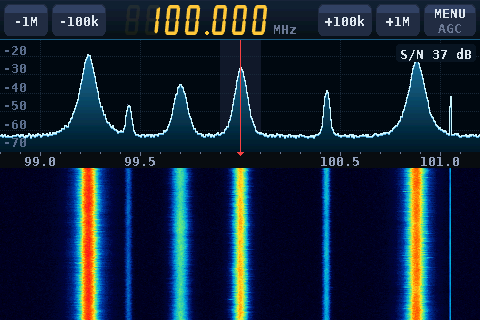
-
01 / 07 · Workbench
Flash a board from this tab.
Put MicroPython or CircuitPython on a Pico or an ESP32 straight from the browser, with a backup first. No installs, no drivers.
- A Pico as a UF2 drive, or an ESP32 over USB with esptool-js
- Every RP2 board in Thonny's list, 69 of them, narrowed to the chip it finds
- Back up, erase, flash your own file, or install the ESP-EYE's Edge Impulse firmware
- A practice run on a pretend ESP32, before you plug anything in
-
02 / 07 · IDE
Then write code for it.
An editor, a terminal and the board's files side by side. Run MicroPython on the board you just flashed and watch it answer.
- The board's files next to the code: open, save, and install packages into
lib/ - Packages: libraries for displays, sensors and Wi-Fi, explained in plain English
- Starters: ready-made projects; fill in your Wi-Fi name and send them to the board
- The Translator turns DuckyScript into CircuitPython keyboard scripts and back
- The board's files next to the code: open, save, and install packages into
-
03 / 07 · Build
A radio receiver with no computer behind it.
An RTL-SDR on an ESP32-P4 with a 3.5-inch screen: spectrum and waterfall, an ADS-B aircraft list, Wi-Fi and BLE scanners. Flash it from your browser.
- 2.4 MHz of the band at about 10 frames a second; tap a signal to tune to it
- Aircraft at 1090 MHz: callsign, altitude, speed and heading
- Wi-Fi and Bluetooth scanners, and everything it hears logged to a micro-SD card
- Try the receiver on its page, on simulated signals, in the firmware's own looks
-
04 / 07 · Build
A pocket messenger that needs no phone.
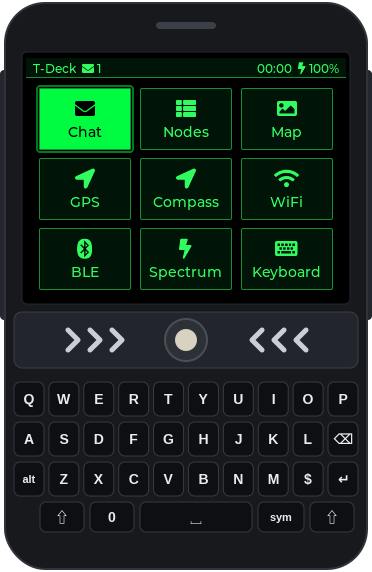
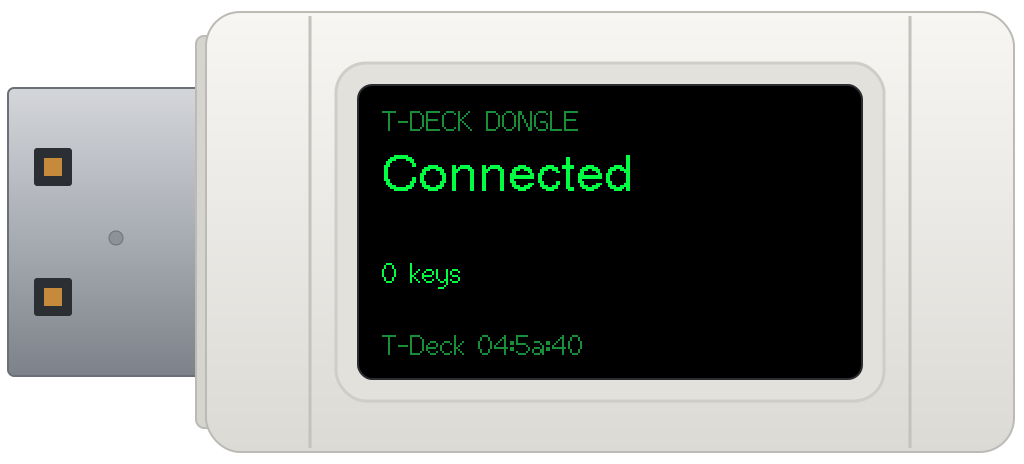
tdeck is from-scratch firmware for the T-Deck Plus: chat over LoRa with Meshtastic nodes, scan the airwaves, and type on your computer through a USB dongle.
- Mesh chat on the LongFast channel, and encrypted direct messages
- Radio tools: a Wi-Fi scanner, and a Bluetooth scanner that flags item trackers
- A keyboard and trackball mouse for your computer, over Bluetooth or the dongle
- Everyday apps: GPS, notes, a to-do list, files, a timer and music
-
05 / 07 · Build
A pocket Pi Zero: games, music, an alarm clock.
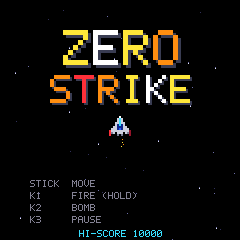
Zero Game runs on a Pi Zero W with a 1.3-inch screen and a joystick, on a display stack written in C. A launcher menu opens at boot, and five of its games play in your browser.
- Six games: Zero Strike, Sprout Run, Stack Zero, Volt Dash, Night Lash and Pocket Chance
- Music through a Bluetooth speaker, still playing during the games, with a phone page for uploading songs
- Desk: a clock, an alarm clock, a kitchen timer and a stopwatch
- Network: home Wi-Fi first, its own hotspot when away, and Radar, a Wi-Fi and Bluetooth scanner
- Terminal: a pocket Linux shell, typed on a Bluetooth keyboard
-
06 / 07 · Build
A desk pet that watches my GitHub.
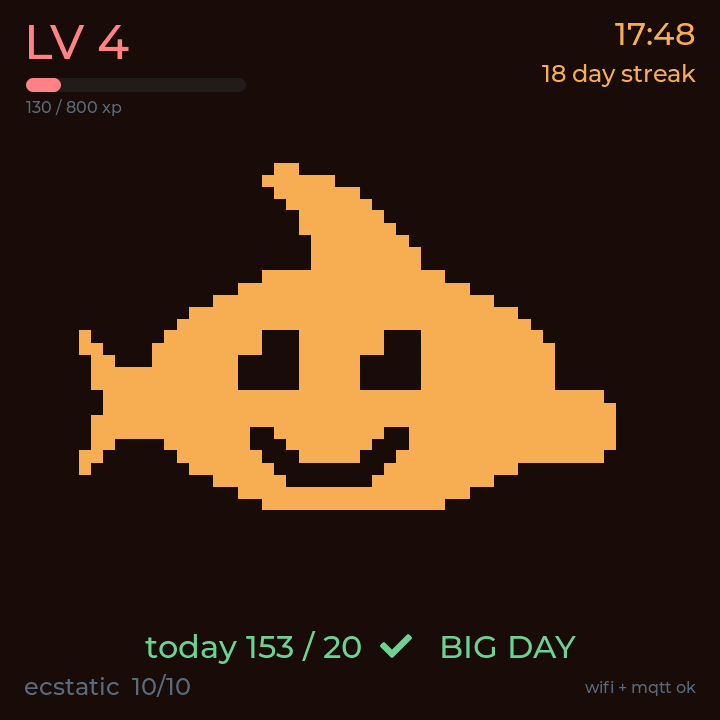
Ember lives on a 4-inch ESP32-P4 touch box and reacts to what's happening in the repos. Install it from your browser once; it updates itself after that.
- It grows with your GitHub activity, sent over by a small bridge on a Mac
- It pings you when a Claude Code or Codex session needs you
- Pet it, feed it, and play Pet Says and 20 Questions on its 720×720 touch screen
- Meet Ember live on its page, running the box's own web demo
-
07 / 07 · Apps
And apps for your phone.
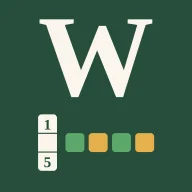
Wordell, daily word and number puzzles for the family, and Brothers' Keeper, a turn-based tactics game. Both are coming to the stores; you can play them here now.
- Wordell: Five Letters, Sudoku, Letter Mix and Riddle Mix, with a family leaderboard; 30 puzzles of each play here
- Brothers' Keeper: its Ashbrook demo plays in your browser
- Coming to iPhone and Android; each app's page gets its store links when it launches
 Wordell
 Brothers' Keeper
Also on the bench
Games, a library, and the rest of the builds.
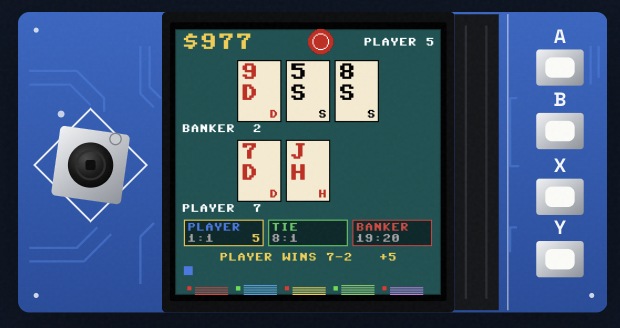 Pocket ChanceCasino games in MicroPython for a Pico, emulated here
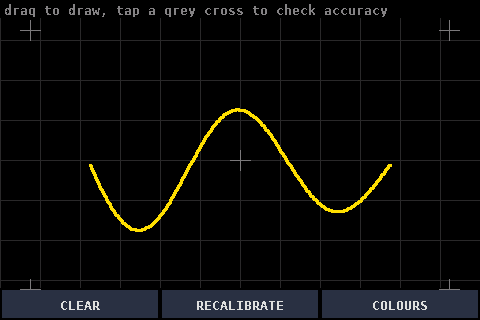 P4 + Pi screenThe cheap 3.5-inch Pi touchscreen on an ESP32-P4, no Pi
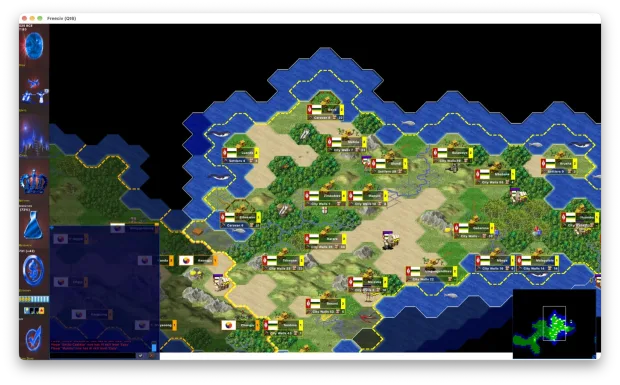 Freeciv for MacThe open-source strategy game, packaged for macOS 27
🐍SnakeThe classic. Arrow keys, WASD or swipe
🃏Rip a packOpen a Magic: The Gathering booster from any setUnofficial fan content · card art © Wizards of the Coast
📚LibraryComics, and the books and videos I learned from